Epson DS vs ES Document Scanners: Which Line Is Built for Your Business?
If you have ever shopped Epson’s document scanner catalog, you have probably noticed two distinct product lines: WorkForce DS and WorkForce ES. They look similar in marketing photos and overlap on a few specs, but they are aimed at very different buyers — and choosing the wrong one can cost you in software compatibility, warranty coverage, and long-term reliability.
At Scanner One, we work primarily with healthcare, government, finance, and enterprise customers running production document workflows. That is why our entire Epson scanner lineup is built around the DS series. This guide explains why, and helps you decide which line fits your environment.
The Short Version: Two Lines, Two Audiences
Epson divides its scanner lineup along the same line it uses for the rest of its product portfolio:
- WorkForce ES series — Epson’s For Home line, sold exclusively through retail channels (big-box stores and consumer e-commerce). Designed for home offices, sole proprietors, and small businesses who scan receipts, contracts, and the occasional batch of paperwork.
- WorkForce DS series — Epson’s For Work line, sold through authorized B2B dealers and resellers like Scanner One. Designed for departmental, workgroup, and production environments where scanning is a core business process — patient records, claims, loan files, case files, and back-office capture.
Both lines produce good image quality. The differences show up in software, drivers, paper handling, network features, and service coverage — the things that matter when a scanner is tied to a billable workflow.
Software Stack: Document Capture Pro vs Epson ScanSmart
The included software is the clearest dividing line between the two series.
ES-series scanners ship with Epson ScanSmart, a consumer-friendly capture utility that handles scanning to PDF, basic OCR via Nuance, and saving to local folders or cloud accounts. It is excellent for individual users but was never intended to drive a multi-user workflow.
DS-series scanners ship with Document Capture Pro, Epson’s business capture platform. It supports:
- Saved job profiles that can be triggered from the scanner’s button or touchscreen
- Batch separation using barcodes, blank pages, or document size
- Automatic file naming from zonal OCR or barcode data
- Direct delivery to SharePoint, network folders, FTP, email, and cloud destinations
- Background processing so operators are not stuck waiting on OCR
For organizations that need to push captured documents into an EMR, ECM, ERP, or case-management system, Document Capture Pro is the difference between a scanner that works and a scanner that fits the workflow.
ISIS Driver Support: Required for Enterprise Capture Software
Both series ship with TWAIN drivers, which cover most desktop applications. The DS series goes a step further and offers an ISIS driver as well.
If your organization uses enterprise capture platforms — Kofax Capture, OpenText Captiva, Square 9, Hyland OnBase, or similar — you almost certainly need ISIS. ES-series scanners do not provide an ISIS driver, which can be a hard stop in regulated industries where the capture platform is already standardized.
Daily Duty Cycle and Paper Handling
Duty cycle is Epson’s rated daily page volume — and it is one of the most overlooked specs when buyers compare scanners on speed alone.
- ES-series duty cycles typically fall in the 500–4,000 pages per day range, appropriate for occasional and small-office use.
- DS-series duty cycles range from 3,000 pages per day on the compact models up to 40,000 pages per day on the production-class DS-32000.
DS scanners also include hardware features that show up only sporadically on ES models: ultrasonic double-feed detection, dedicated separation rollers that handle mixed paper weights, and longer rated roller lifespans measured in hundreds of thousands of pages. If your operators are running the scanner continuously, those features pay for themselves quickly in fewer jams and fewer rescans.
Network Scanning, Authentication, and PC-Free Workflows
The ES line tops out at wireless desktop models like the ES-580W. The DS line includes a full range of true network scanners with built-in touchscreens, user authentication, and PC-free operation:
- DS-730N — Networked workgroup scanner with touchscreen
- DS-790WN — Wireless + Ethernet, enhanced security features
- DS-800WN — EdgeLink integration, multi-protocol delivery
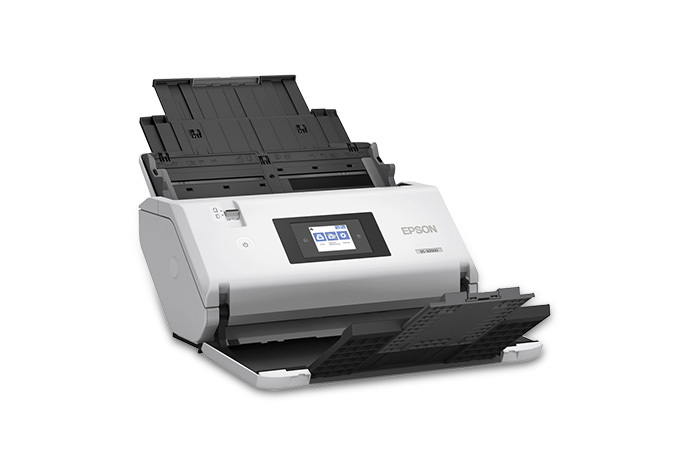
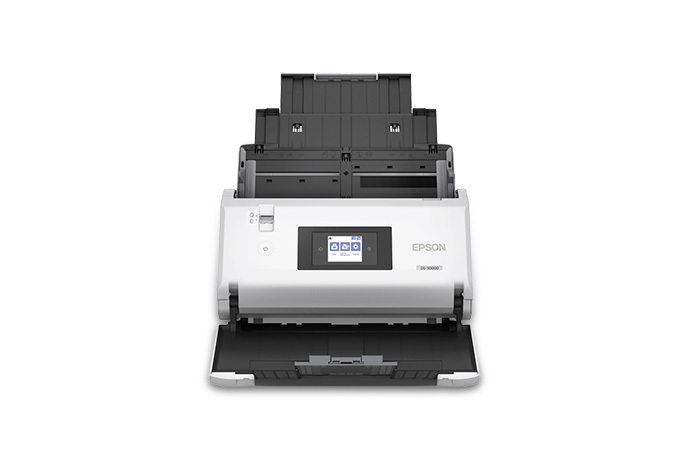
- DS-900WN — 4.3″ touchscreen, ScanWay PC-free workflows, 11,000 pages/day
For environments where one scanner is shared across a department — clinical staff, claims adjusters, intake teams — the ability to scan without a tied PC, send to a user’s personal folder, and authenticate at the device is something the ES line simply does not offer.
Form Factor Range
The DS line covers a much wider range of physical form factors. ES models are concentrated in portable and small-desktop sizes. DS spans:
- Portable — single-sheet and battery-powered options
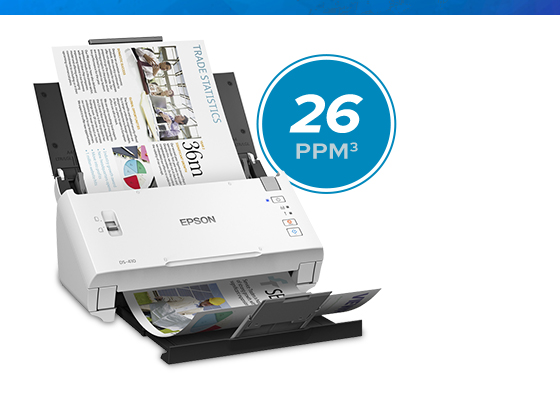
- Compact desktop — vertical-feed designs that save 60% of desk space
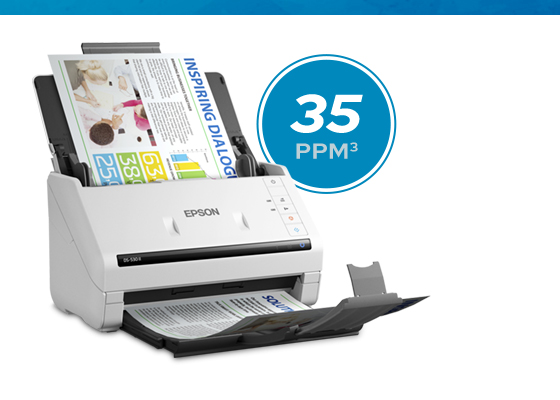
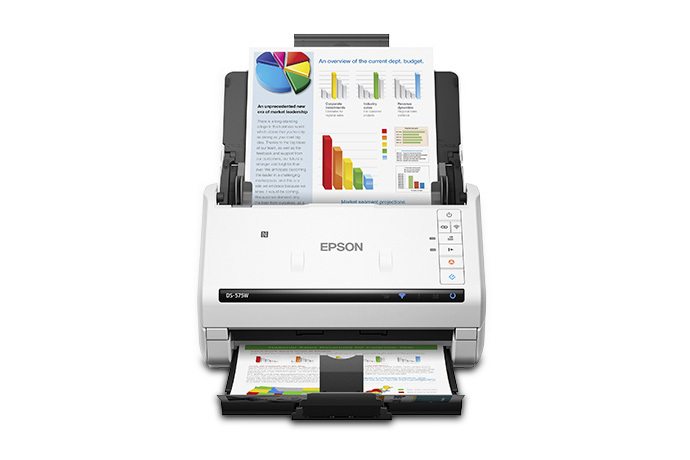
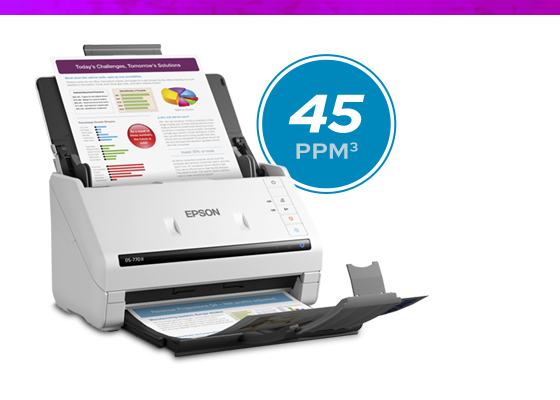
- Standard desktop — 50- and 100-page ADF workhorses
- Workgroup — high-throughput shared scanners
- Network — touchscreen + Ethernet/WiFi
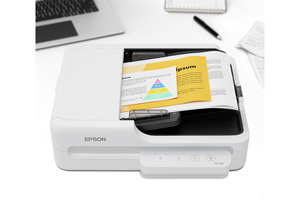
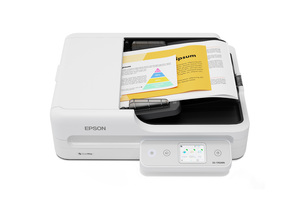
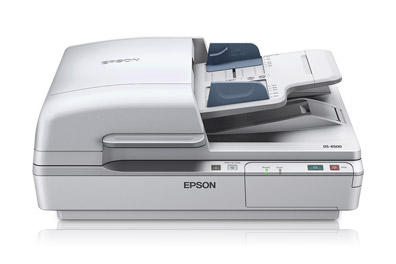
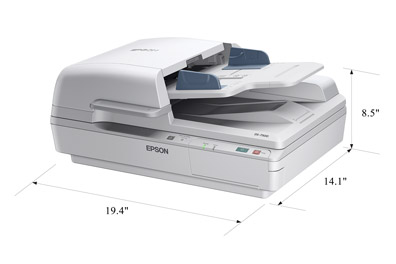
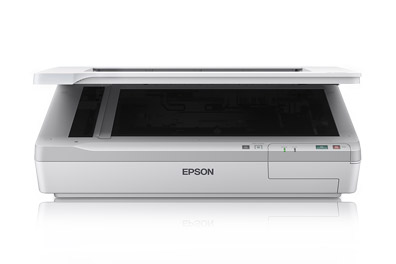
- Flatbed combos — ADF + flatbed for bound or fragile originals
- Large-format / production — A3 and 12″ x 220″ originals at 90 ppm
If you need a flatbed for delicate documents, an A3 scanner for blueprints or oversized records, or a true production unit for a back-office capture floor, those products only exist in the DS line.
Warranty and Service Coverage
Out of the box, the warranty difference between the two lines is significant. The majority of DS-series scanners ship with a standard three-year limited warranty from Epson America; a small number of DS models ship with one year. Every retail-only ES-series scanner ships with a one-year warranty.
All Epson DS service — warranty and extended coverage — is delivered through Epson’s Advance Exchange program. Epson ships a replacement unit before you return the failed one, so a hardware failure is a swap rather than a depot trip. For an operation where the scanner is tied to a billable workflow, that is the difference between a half-day interruption and a multi-week one.
Scanner One can attach an extended Epson Advance Exchange service plan to any DS-series order — talk to us before you buy if you want coverage beyond the included warranty in place from day one.
DS vs ES at a Glance
| Feature | WorkForce ES Series | WorkForce DS Series |
|---|---|---|
| Target buyer | Home office, SOHO, small business | Workgroup, departmental, production |
| Bundled software | Epson ScanSmart | Document Capture Pro |
| ISIS driver | No | Yes |
| Typical duty cycle | 500–4,000 pages/day | 3,000–40,000 pages/day |
| Network scanners with touchscreen | Not available | DS-730N, DS-790WN, DS-800WN, DS-900WN |
| Form factor range | Portable + small desktop | Portable through A3 production |
| Double-feed detection | Limited | Standard on most models |
| ARM (Copilot+ PC) drivers | Limited | Full current lineup supported |
| Standard warranty | 1 year (all models) | 3 years on most models; 1 year on a few |
| Service model | Limited extension options | Advance Exchange — replacement ships before the failed unit is returned |
Why You Would Buy a DS-Series Scanner
Pulling all of that together, here are the situations where the DS line is the right call:
- Your scanner is part of a documented workflow — patient intake, claims processing, AP, lending, records retention. You need job profiles, barcode separation, and direct integration with your line-of-business software.
- You use enterprise capture software that requires ISIS drivers (Kofax, OpenText, Square 9, Hyland OnBase, etc.).
- Multiple people share the scanner and need to authenticate, send to their own folders, and scan without a dedicated PC.
- Your daily volume exceeds a few hundred pages, or you are scanning mixed paper weights, long documents, or oversized originals.
- You need a flatbed combo for bound books, fragile records, or photo-quality work alongside everyday paper.
- Downtime is expensive and you want access to extended warranties and Advance Exchange service.
- You are deploying ARM-based Copilot+ PCs and need native ARM driver support, which Epson currently provides across the full DS lineup.
If none of those apply — you are scanning a few receipts a week and emailing them to your accountant — the ES line is fine. If any of them do, the DS line will save you money in the long run.
The Epson DS Lineup at Scanner One
Here is the full DS-series catalog we carry, organized by category. Every model below ships with Document Capture Pro and supports the ISIS driver.
Compact Desktop Scanners
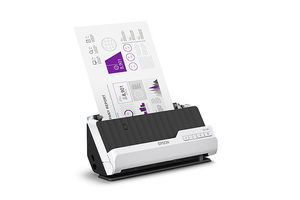
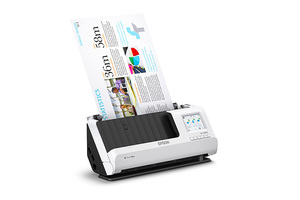
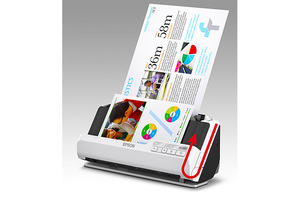
Desktop Document Scanners
Workgroup and High-Speed Scanners
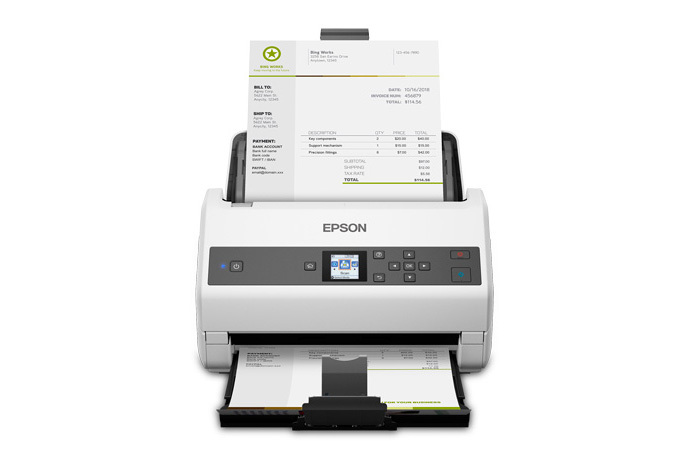
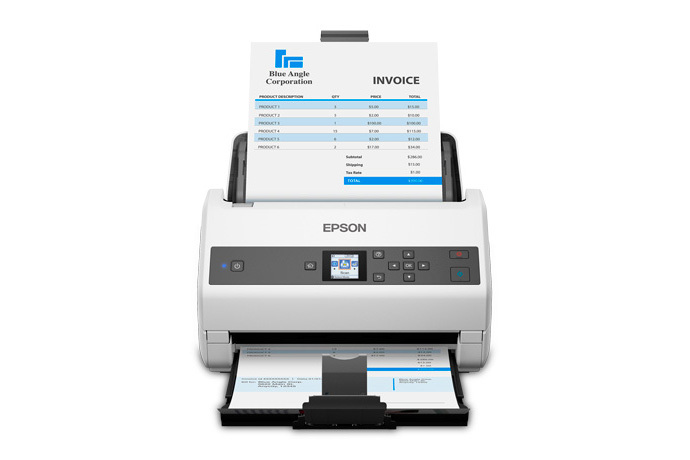
Epson DS-970
- 85 ppm / 170 ipm duplex
- 100-page ADF, optional flatbed dock
- 9,000-page daily duty cycle
Network Scanners
Epson DS-790WN
- 45 ppm / 90 ipm duplex
- WiFi + Ethernet, enhanced security
- 7,000-page daily duty cycle
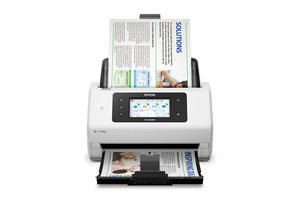
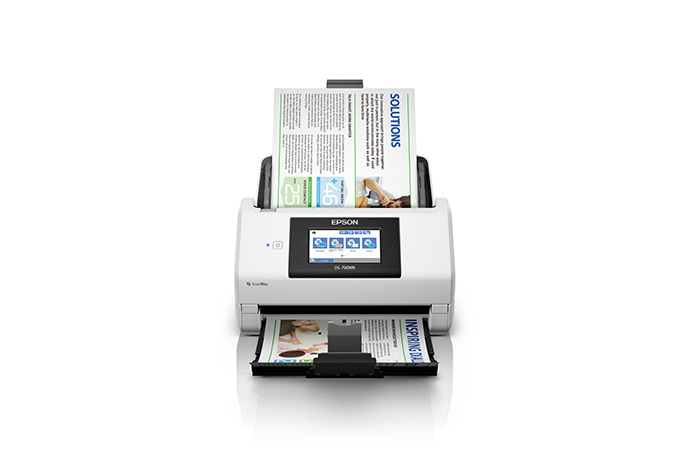
Epson DS-900WN
- 70 ppm / 140 ipm duplex
- 4.3″ touchscreen, ScanWay PC-free
- 11,000-page daily duty cycle
Flatbed Scanners
Large-Format and Production Scanners
Portable and Mobile Scanners
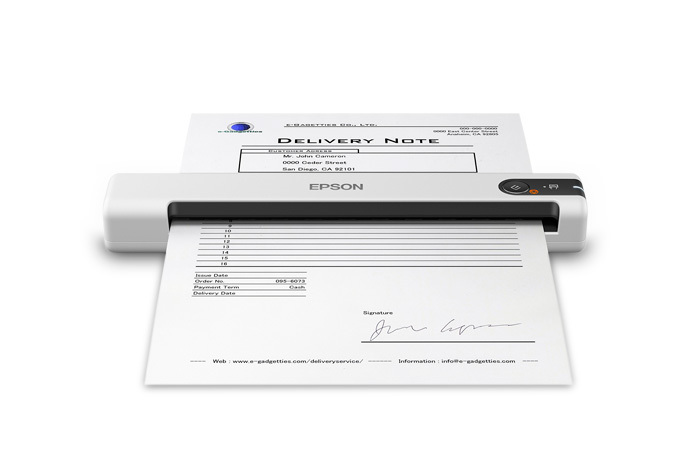
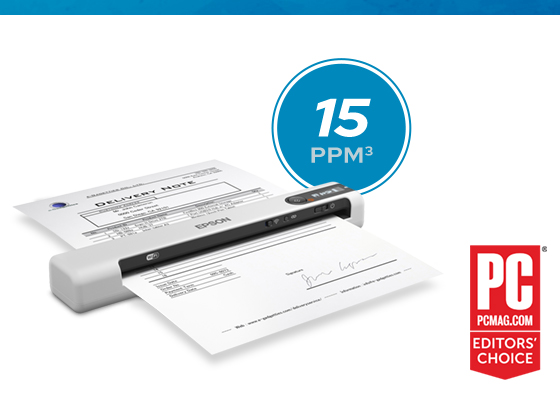
Photo and Graphic Arts Scanners
Outside the DS and ES document-scanner families, Epson’s Perfection line covers photo, film, and graphic-arts work. We carry it for customers who need archival-quality flatbed capture alongside their document scanners.
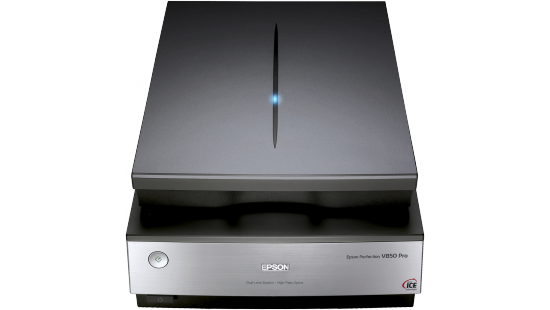
Epson Perfection V850 Pro
- 6400 DPI optical resolution
- 4.0 Dmax optical density
- Dual-lens system with DIGITAL ICE
- Film and slide scanning
Discontinued and Legacy DS Models Still in Service
If you already own one of these DS-series scanners, they remain fully supported — including native ARM driver support on a transition to Windows on ARM:
- Epson DS-1630 — recently discontinued; replaced by the DS-1730
- Epson DS-510
- Epson DS-560
- Epson DS-760
- Epson DS-770
- Epson DS-780N
- Epson DS-860
Why Scanner One Stocks the DS Line Exclusively
There is also a structural reason: the ES line is sold only through retail channels, so it never enters Epson’s authorized B2B distribution. The DS line is the line Epson built for dealers and resellers like us to deploy into business environments — and it happens to be exactly the line our customers need.
The customers we serve — IT and operations teams in healthcare, government, finance, and enterprise — share a common requirement: their scanners are part of a workflow, not a standalone tool. They need ISIS drivers for their capture platforms, Document Capture Pro for their job profiles, network authentication for shared devices, duty cycles that match their volume, and Advance Exchange coverage that keeps them running.
That is why every Epson scanner we carry comes from the DS line. It is the line designed for the work our customers actually do.
Need Help Choosing the Right Epson DS Scanner?
Picking the right DS-series model comes down to your daily volume, where the scanner needs to live, and how it has to integrate with the rest of your stack. We can help you match the right scanner to your workflow and attach the right Epson Advance Exchange service plan before you buy.
Have questions about the DS lineup, or want a recommendation for your environment? Contact Scanner One or call us at 888-395-8570 to speak with a scanning solutions specialist.