
Epson Scanner Roller Kits: One Replaceable Kit, Multiple Scanners
If you keep an Epson document scanner running long enough, the rollers will tell you when they’re done. Double feeds creep in, sheets start to skew, paper jams cluster around the same point in a batch, and eventually Document Capture Pro or Epson Scan 2 will pop a counter warning telling you to replace the roller assembly. The pickup and separation rollers are the single most common wear part on any ADF scanner — and the good news is that on most Epson models, they’re a quick user-replaceable swap.
What surprises a lot of buyers is the cross-line compatibility. At Scanner One, we get steady calls from customers who own both a WorkForce DS production scanner at the office and a WorkForce ES retail-channel unit at a satellite location, and they want to know whether they need two different roller kits. Often the answer is no — Epson reuses the same physical ADF mechanism across DS and ES variants of the same scan engine, which means a single roller assembly kit covers both lines. This guide walks through what’s inside an Epson roller kit, how to know when to replace it, and which kit fits which scanner across our entire Epson roller kit catalog.
What’s Inside an Epson Roller Assembly Kit
An Epson roller kit is a small SKU with two important parts:
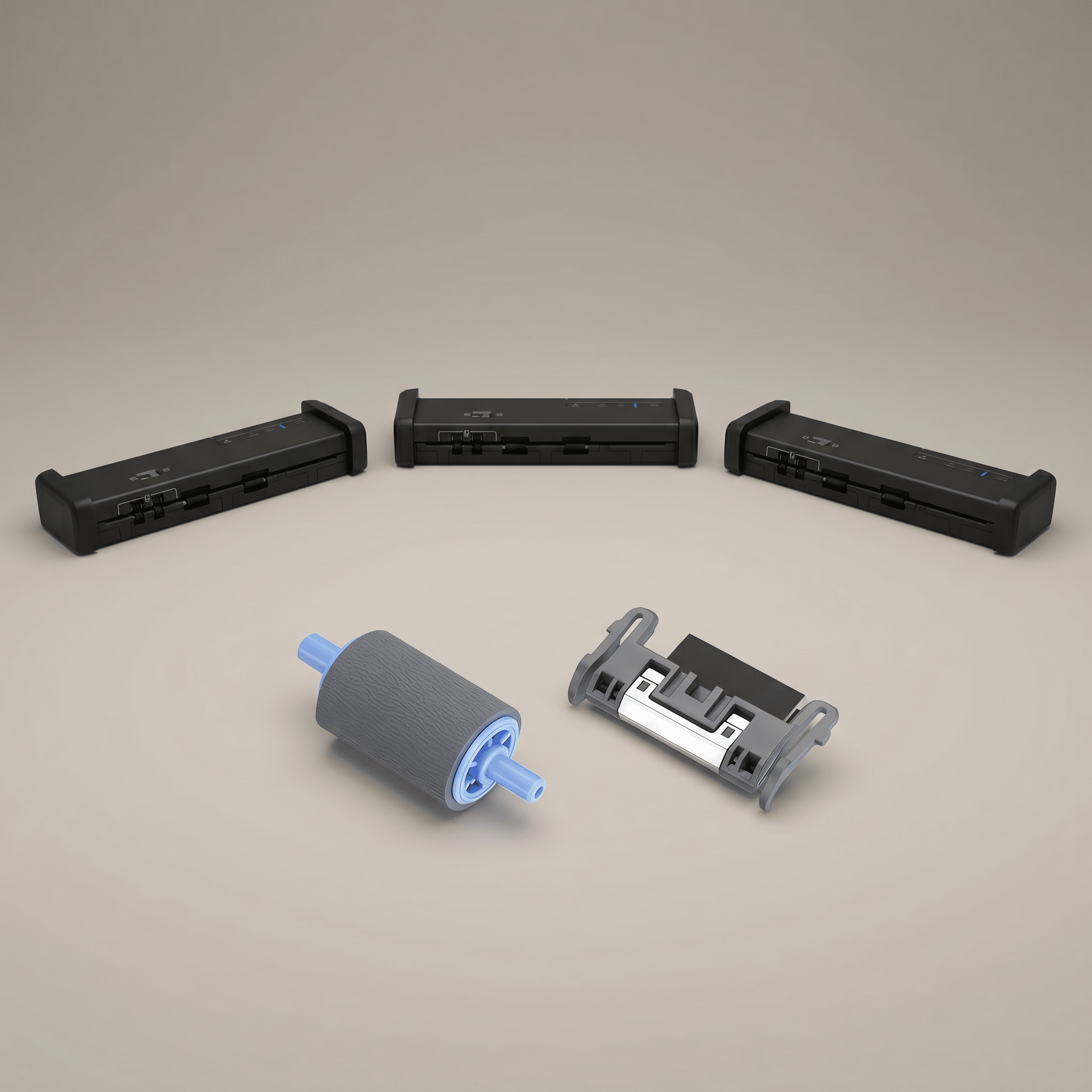
- Pickup roller — sits at the top of the ADF stack and grabs the next sheet using a textured rubber surface. When this roller glazes over or hardens, the scanner starts missing sheets entirely.
- Separation roller (sometimes called a retard roller or retard pad) — sits opposite the pickup roller and applies a controlled drag so only one sheet enters the path at a time. When this part wears, you start seeing double feeds and skew.
Both parts are bundled into a single OEM SKU and sold as one kit. They are designed for end-user replacement — no service call required. Most Epson roller swaps take 15 to 20 minutes, and the procedure is documented in the user guide for every model.
Why One Kit Often Fits Both DS and ES Scanners
Epson sells two parallel scanner families: the WorkForce DS line that we carry, sold through B2B dealers like Scanner One, and the WorkForce ES line, sold exclusively through retail channels for home offices and small businesses. They are positioned at different audiences and bundled with different software (Document Capture Pro on DS, Epson ScanSmart on ES), but underneath the badge a number of pairings share the exact same ADF hardware. We covered the broader differences in our earlier post on DS vs ES scanners; the practical consequence for consumables is that one roller kit covers both halves of a shared mechanism.
The clearest example is the current “Kit II” assembly (Epson part B12B819671). One SKU services nine different scanner SKUs:
- ES-side: ES-400 II, ES-500W II, ES-580W
- DS-side: DS-535, DS-575W II, DS-730N, DS-770 II, DS-790WN
- RapidReceipt: RR-600W
If you run a mixed environment — a DS-790WN at the front desk and a couple of ES-580W units at home offices for remote staff — you only need one part number on the shelf.
Signs It’s Time to Replace Your Rollers
Don’t wait for a hard failure. The early signals are usually obvious if you know what to watch for:
- Double feeds — the scanner pulls two pages together even with double-feed detection enabled. This is the separation roller losing grip.
- Skew and misfeeds — pages enter at an angle or stall partway in. Usually the pickup roller has glazed over and is no longer biting.
- Repeated paper jams in the same area of the path, especially with mixed paper weights.
- Glazed or shiny rollers — open the ADF cover and look. A healthy roller has a matte rubber finish; a worn one looks slick and reflective.
- Counter warning — Epson Scan 2 and Document Capture Pro track total scans against the kit’s rated yield. When you cross the threshold, you’ll see a notification prompting a replacement.
- Audible clicking during paper feed on older DS-510-class units — a known wear pattern that the new kit resolves.
Before you order a new kit, try cleaning the existing rollers with a lint-free cloth and 90%+ isopropyl alcohol. If feeding stays unreliable after a clean, the rubber is past its useful life and the kit is the fix.
Rated Yield and Resetting the Counter
Epson rates roller kits in pages, with two common tiers in our catalog: 100,000 pages on entry-level and large-format kits, and 200,000 pages on the mid-range workhorse kits used across most DS and ES II models. Treat those numbers as a planning baseline — a clean office environment can stretch them, and dusty or carbonless-paper environments will shorten them.
After you swap the kit, reset the page counter. In Epson Scan 2 Utility, open the Counter tab, find the roller counter, and click Reset. The counter goes back to zero so the next replacement reminder fires at the right time. Epson documents the procedure on its support site.
Find Your Kit
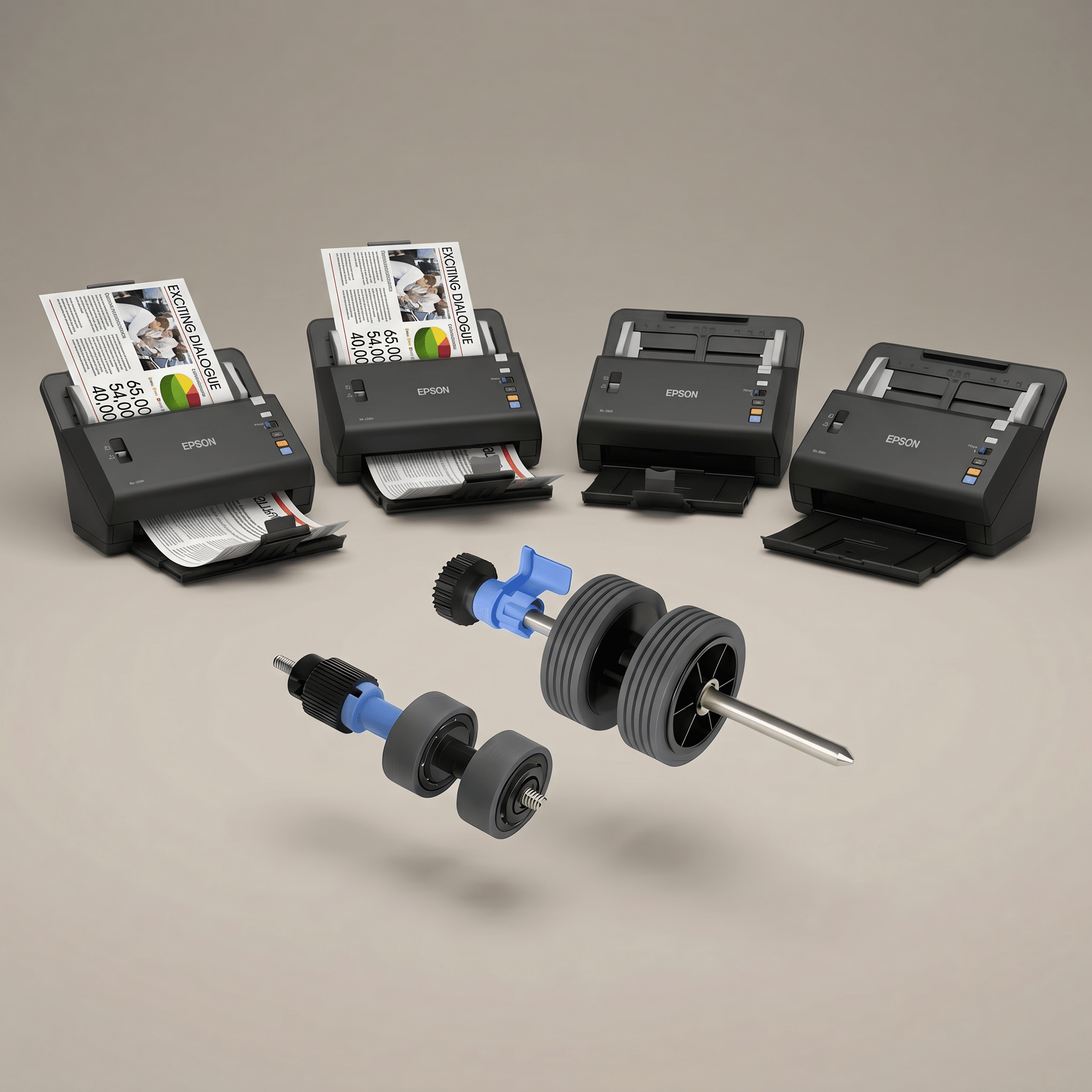
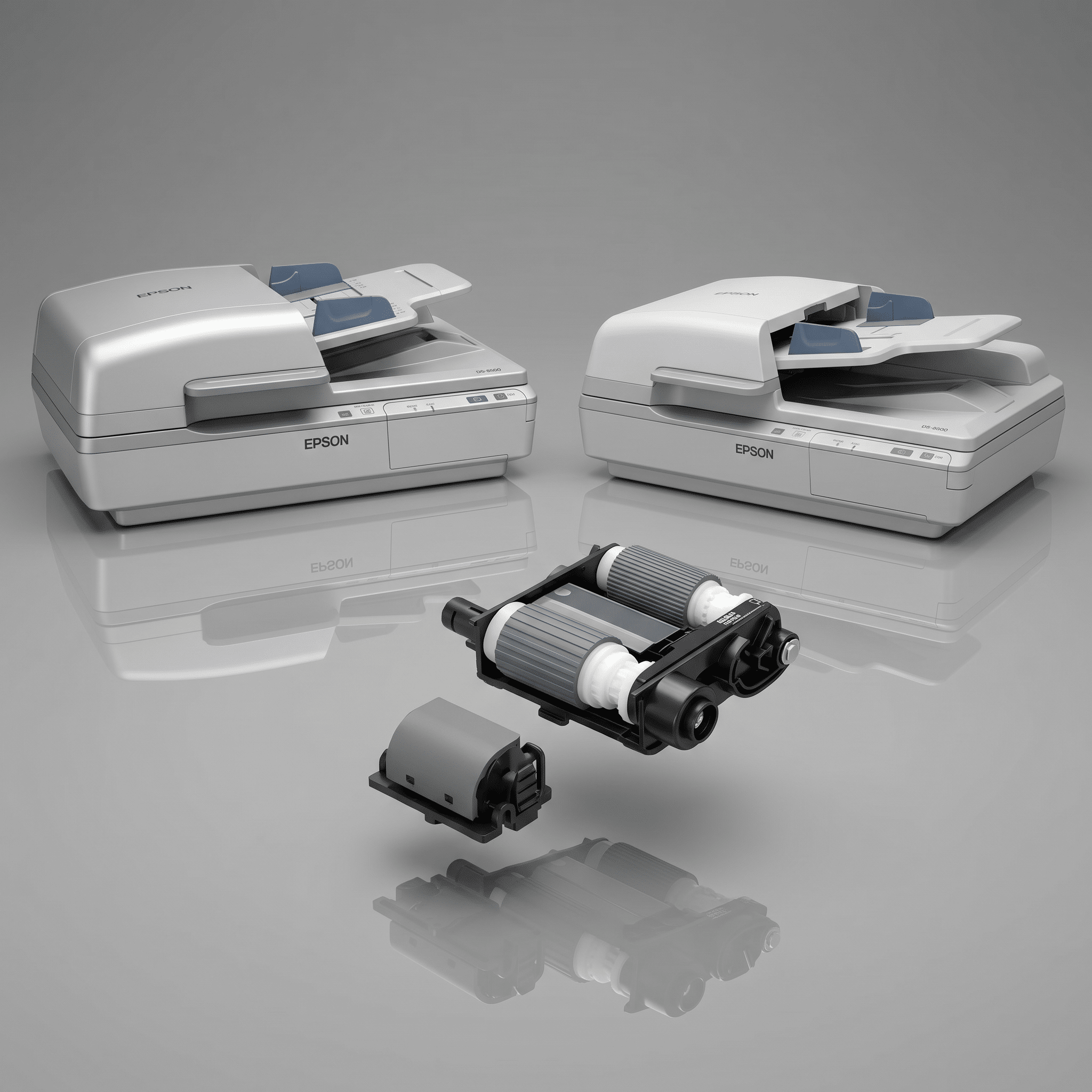
Here is every Epson roller assembly kit Scanner One stocks, mapped to the scanners it fits. Click any kit to view it on ScannerOne.com.
Compact and Portable Scanners
Mid-Range Desktop and Network Scanners (DS and ES)
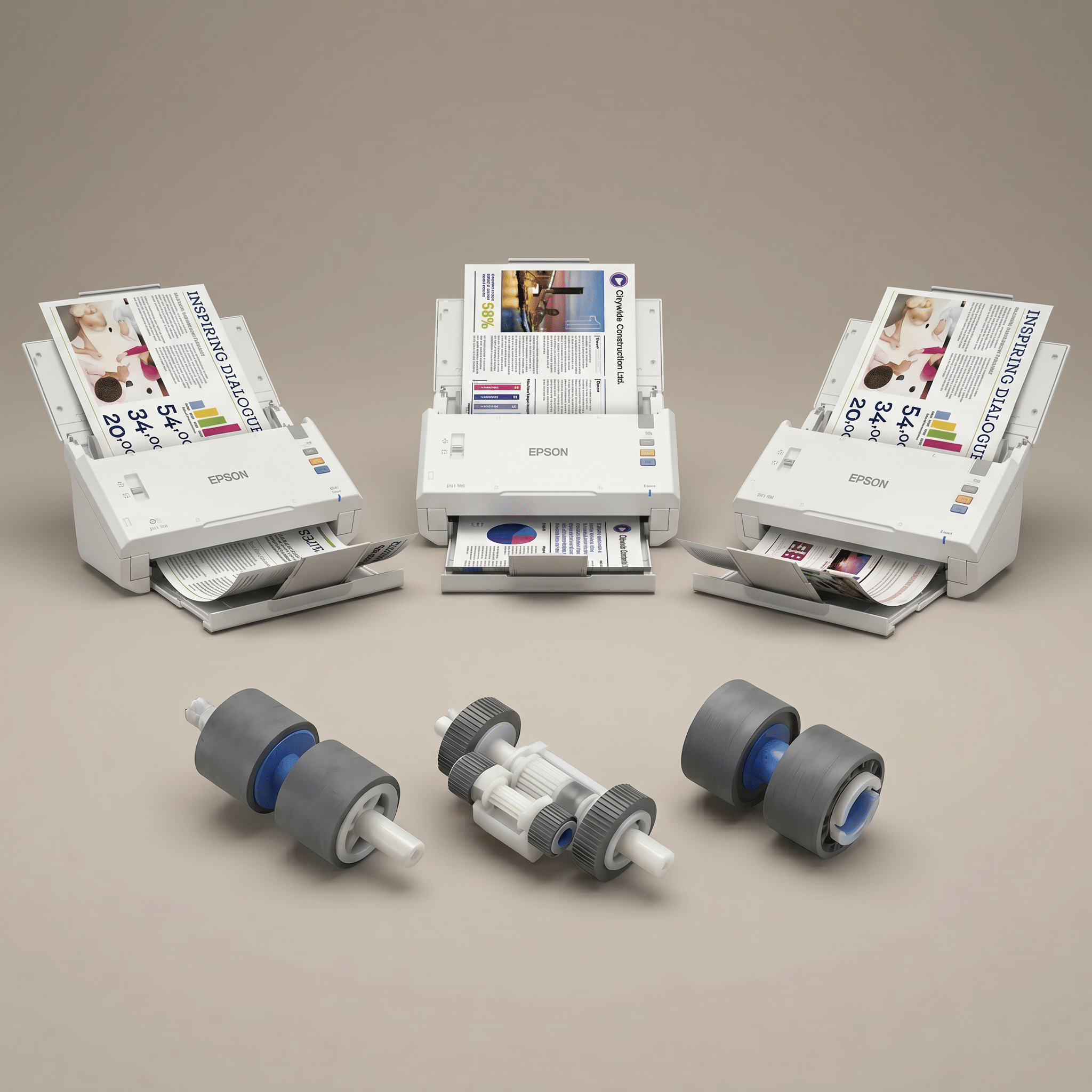
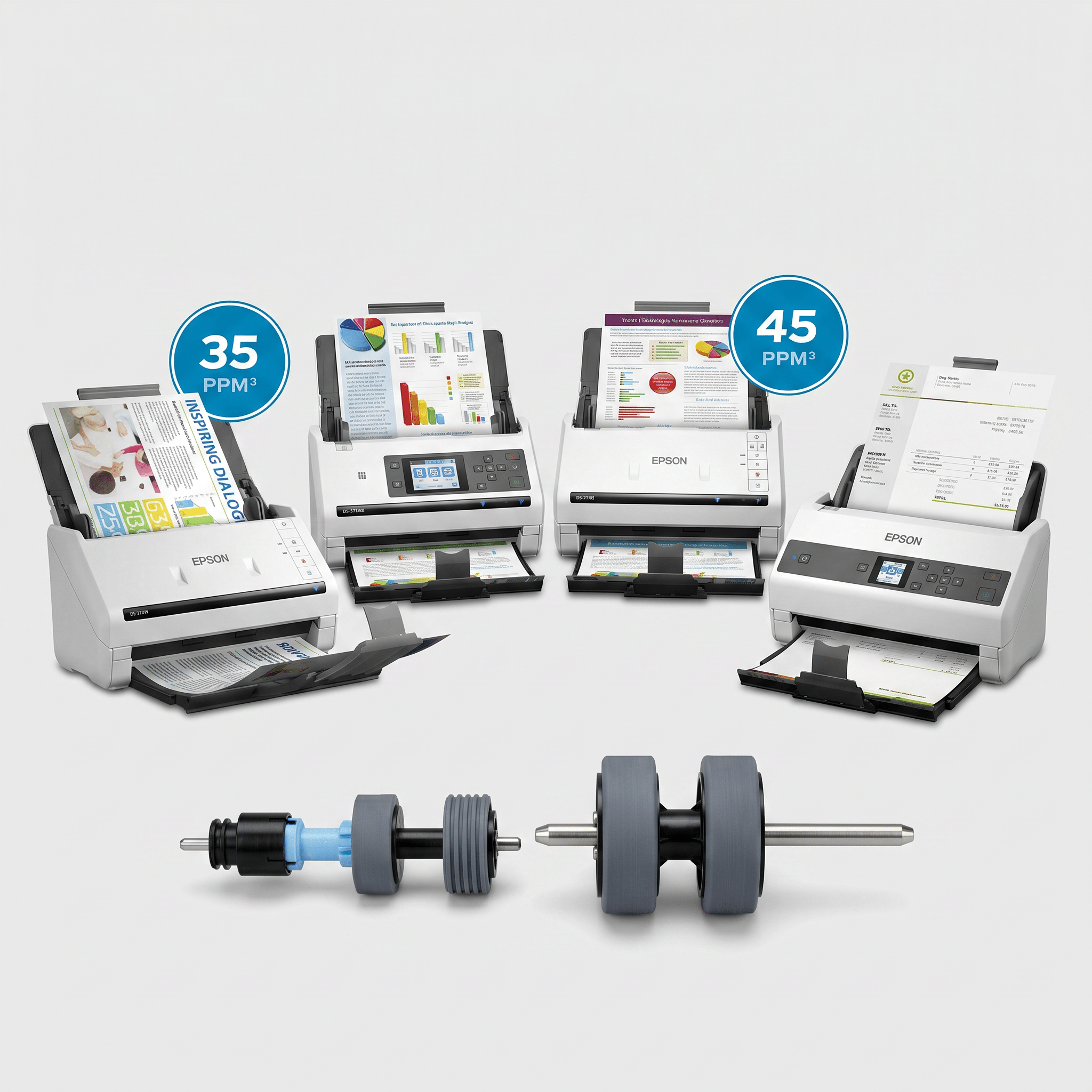
DS-530 / 575W / 770 / 780N / 870 Kit
Fits DS-530, DS-575W, DS-770, DS-780N, DS-870
200,000-page rated yield
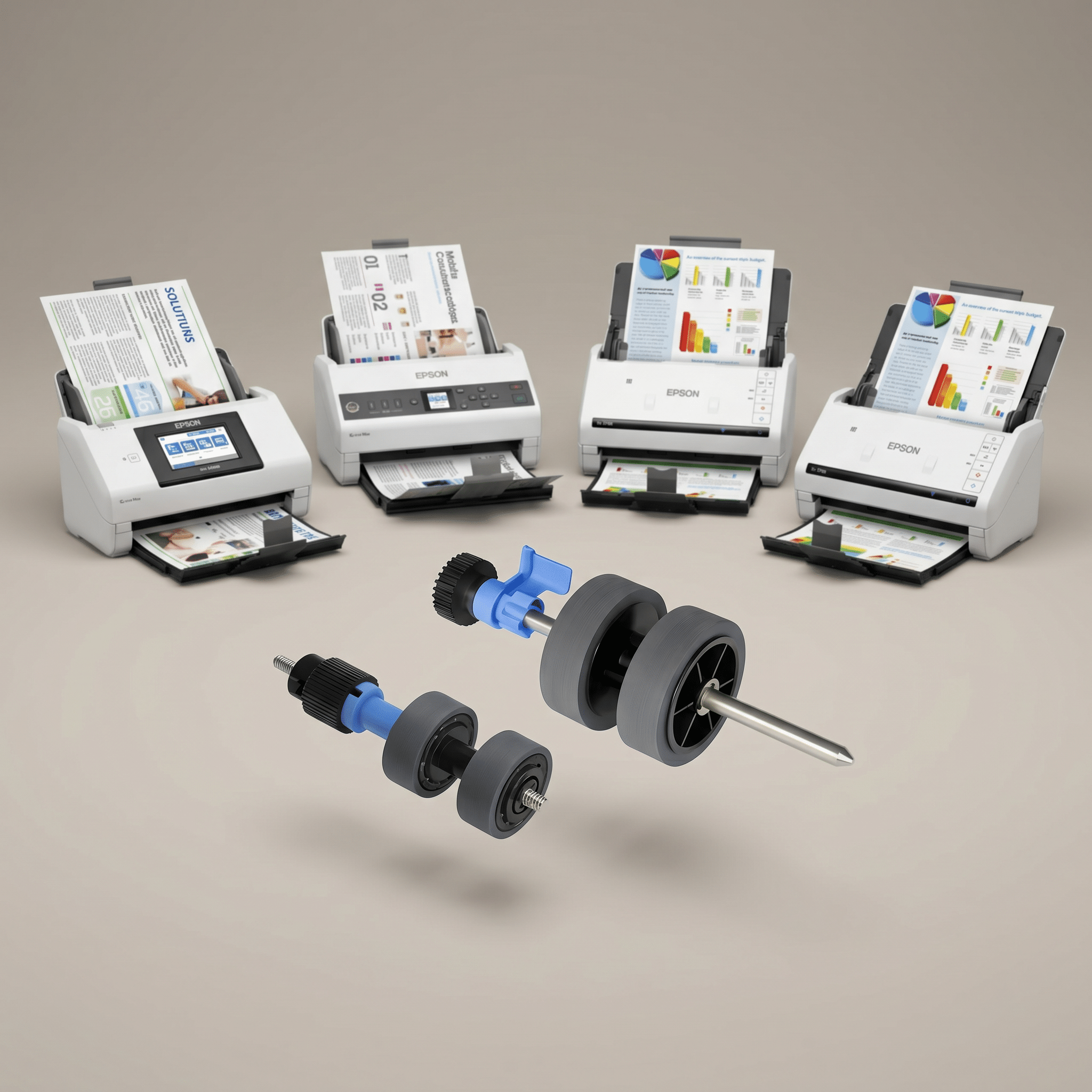
Kit II — DS & ES Cross-Line
Fits ES-400 II, ES-500W II, ES-580W, DS-535, DS-575W II, DS-730N, DS-770 II, DS-790WN, RR-600W
200,000-page rated yield · Epson P/N B12B819671
Workgroup, Flatbed, and Production Scanners
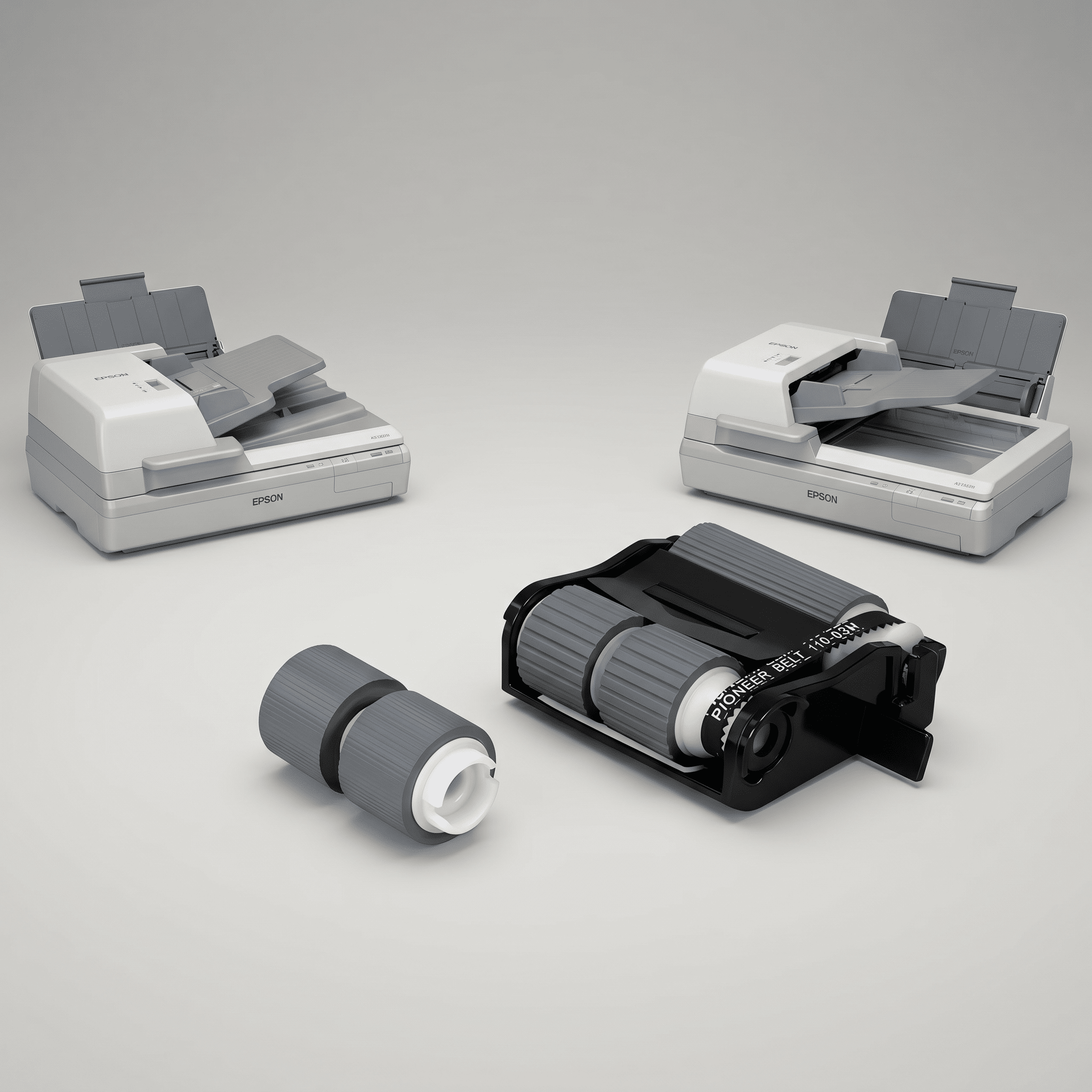
Legacy GT-Series Scanners
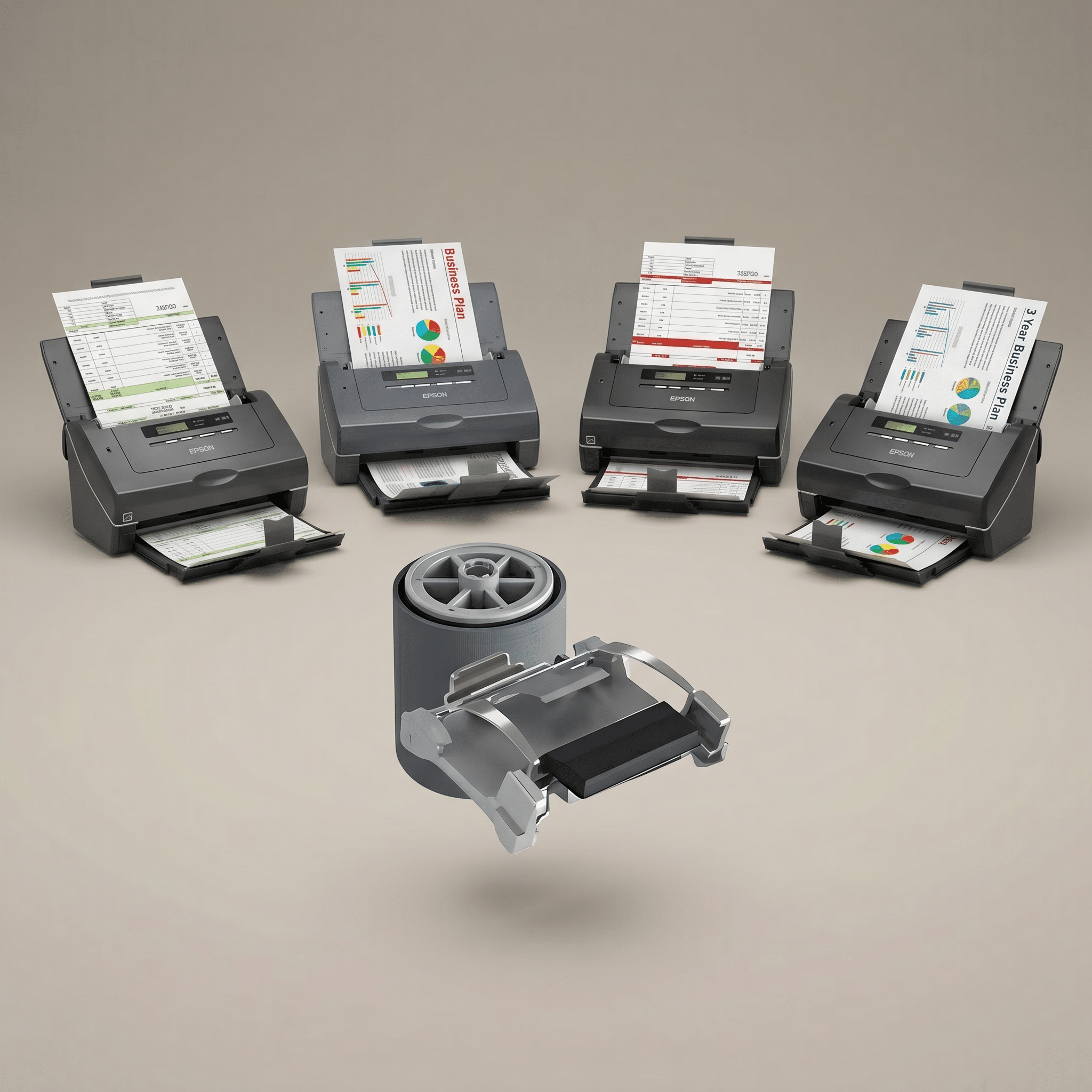
If your model isn’t listed here, it may use a kit we don’t currently stock or a kit that’s part of a larger maintenance assembly. Call us at 888-395-8570 with your scanner’s model number and we’ll point you at the right OEM part.
Why Buy Epson Roller Kits from Scanner One
We’ve been an authorized Epson reseller for over thirty years, and we only sell genuine OEM consumables. The marketplaces are full of “compatible” rollers at half the price, and we wrote a separate post — OEM Roller Kits vs Knockoff Rollers — about why those are usually a false economy. The short version: knockoff rubber compounds glaze early, separation rollers don’t grip correctly, and you end up replacing them three times for each genuine kit.
Buying from an authorized reseller also means we can attach an Epson Advance Exchange service plan to your scanner order at the time of sale. Epson delivers the service — a replacement unit ships before you return the failed one — and Scanner One handles the paperwork so the plan is in place from day one. If you’re standing up a new fleet, sorting out roller stock and Advance Exchange coverage in the same conversation is the easiest way to avoid surprises later.
We typically stock the high-volume kits, and if a part is on backorder we can give you an accurate ETA from Epson directly rather than guessing.
Need Help Picking the Right Kit?
If you’re not sure which kit fits your scanner — or you want to set up a maintenance schedule across a fleet of mixed DS and ES units — we can help. Browse the full Epson roller kit catalog, or contact Scanner One and we’ll match you to the right OEM part on the first call. You can also reach a knowledgeable representative toll-free at 888-395-8570.